Getting started
Set up your Hiyd in four steps
Charge it, pair it, press it onto your watch. Everything you need to get going, and to keep it working well.
Set up
Plug in and pair
When you reach the pair screen, plug the tracker into the charger and pair within 2 minutes.
If the window closes
If you miss the 2 minute window or run into any trouble, unplug and replug the tracker 3 times within 20 seconds. That opens a new pairing window.
Charge to 100%
Charge the tracker to 100%. Your first charge takes about an hour.
Everyday use
Press it onto your watch
Put the microsuction surface against the back of your watch case and press lightly.
Wear your watch
Put your watch on and wear it as you normally would.
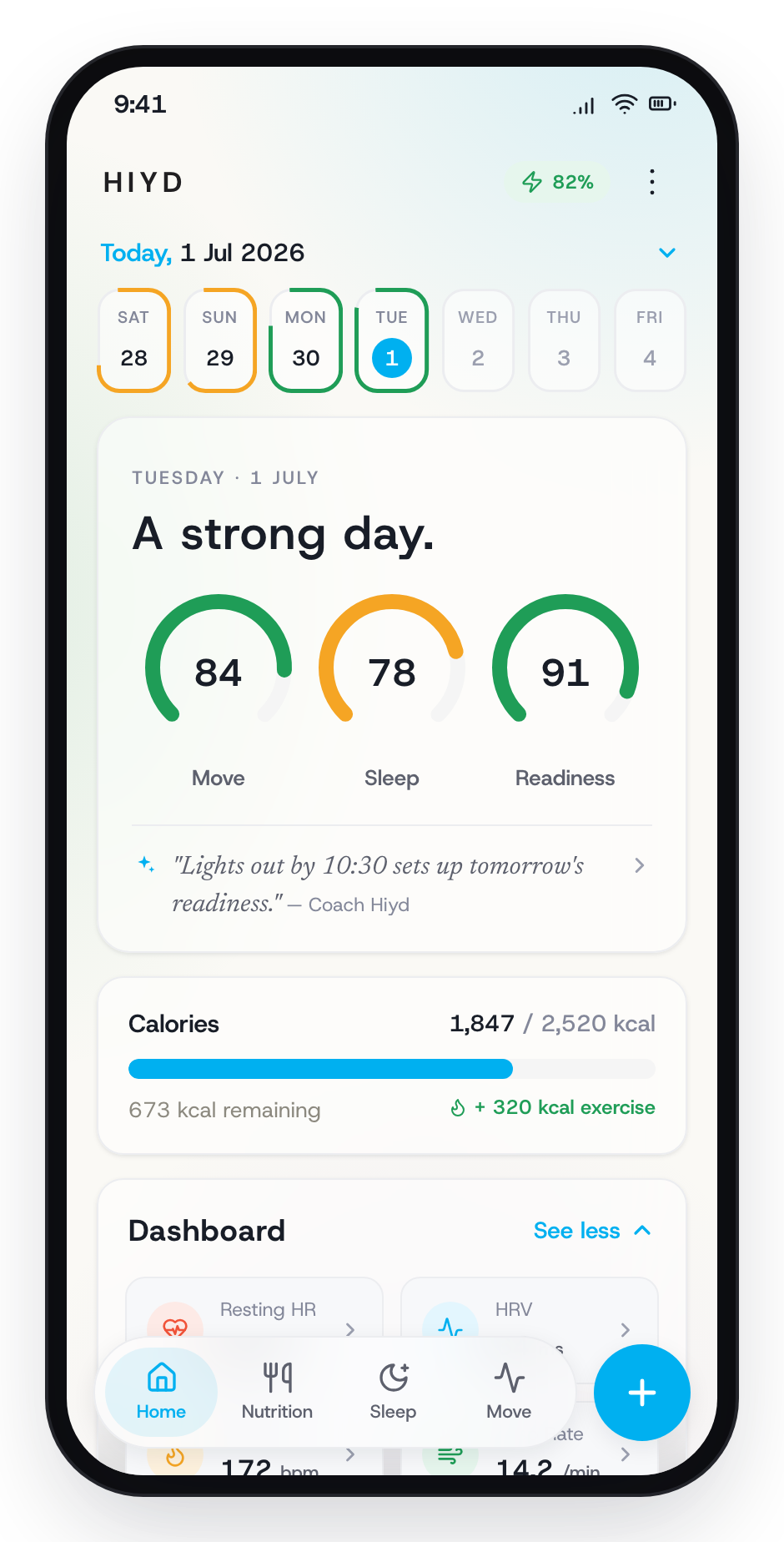
Your data syncs
Your readings appear in the app.
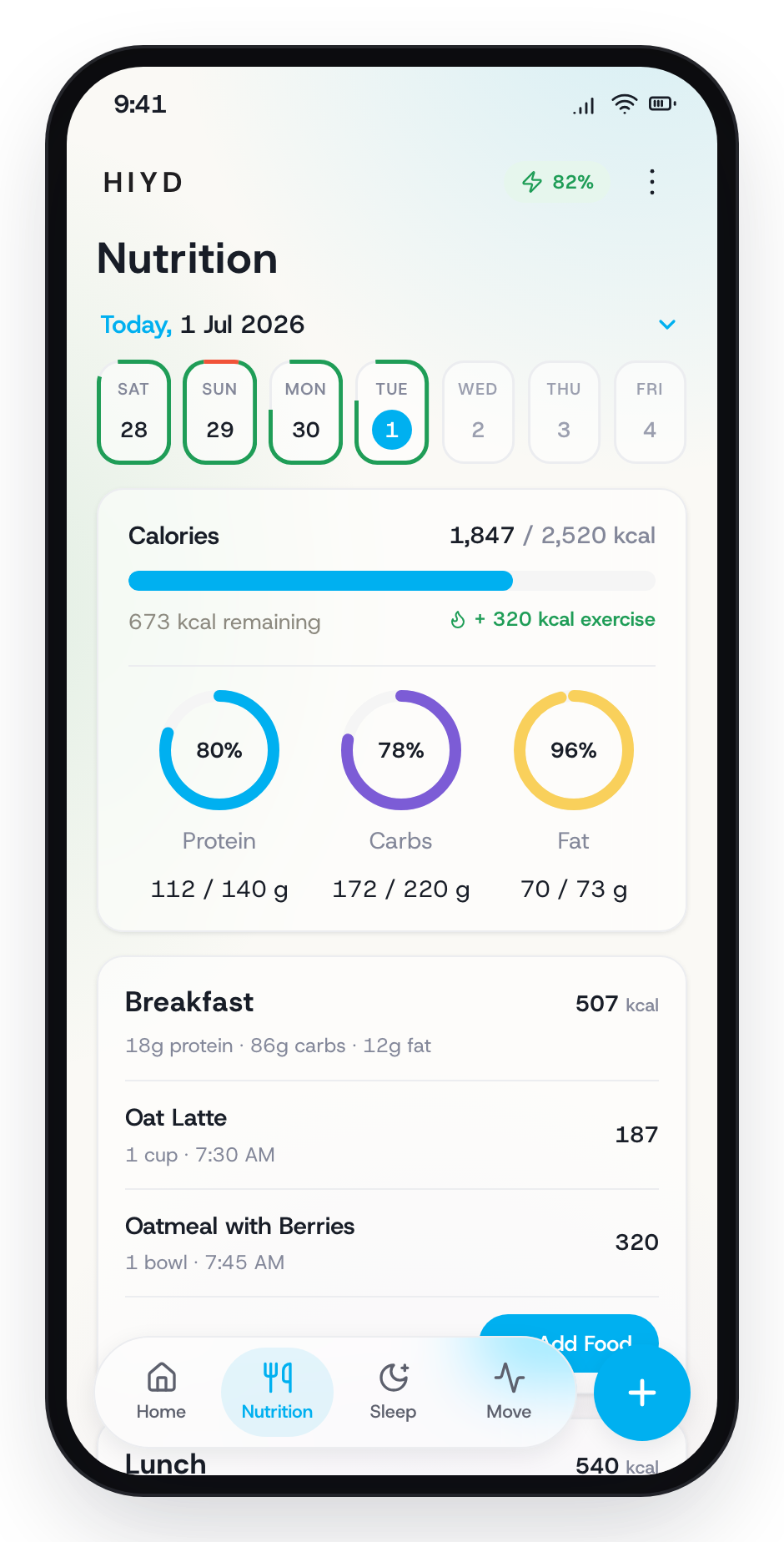
Log your meals
Record your meals in the app for additional insights.
Care and removal
Taking it off
Pry the sensor off the back of your watch.
Cleaning the microsuction
If the microsuction feels less grippy, wipe the surface lightly with a damp microfibre towel, then dry it with a dry towel. No dust or lint should remain on the surface.